
Why 50-employee buyers are an under-served middle
The productivity-tool market is built for two extremes. Single-user timers (Toggl, RescueTime, Clockify free tier) are designed for solo professionals and 5-person teams — they assume one manager can hold the whole operating picture mentally and that timesheets are mostly an invoicing artefact. Enterprise workforce suites (Workday, SAP SuccessFactors, UKG) are designed for 500+ employees with a dedicated HRIS team, a 6-month implementation budget, and procurement cycles measured in quarters. The 50-employee company fits neither pattern, and the market has historically responded by selling them either a tool that under-serves them or one that over-serves them at 4x the price they should be paying.
The specific pain at 50 employees is that the operating picture has just exceeded what one manager can hold in their head. There are too many shifts, too many leave requests, too many payroll edge cases (contractor mix, multi-country, allowances), and too many concurrent projects to track on a spreadsheet — but not enough volume to justify a full HRIS implementation. The 50-person company needs one platform that bundles time, payroll, leave, monitoring (opt-in), and AI signal at a flat-tier price, with a 1-2 week rollout, and integrations to the 8-12 tools the team is already using. That product category exists in 2026; it just took the market a while to recognise the gap.
The 6 capabilities you need at 50 employees
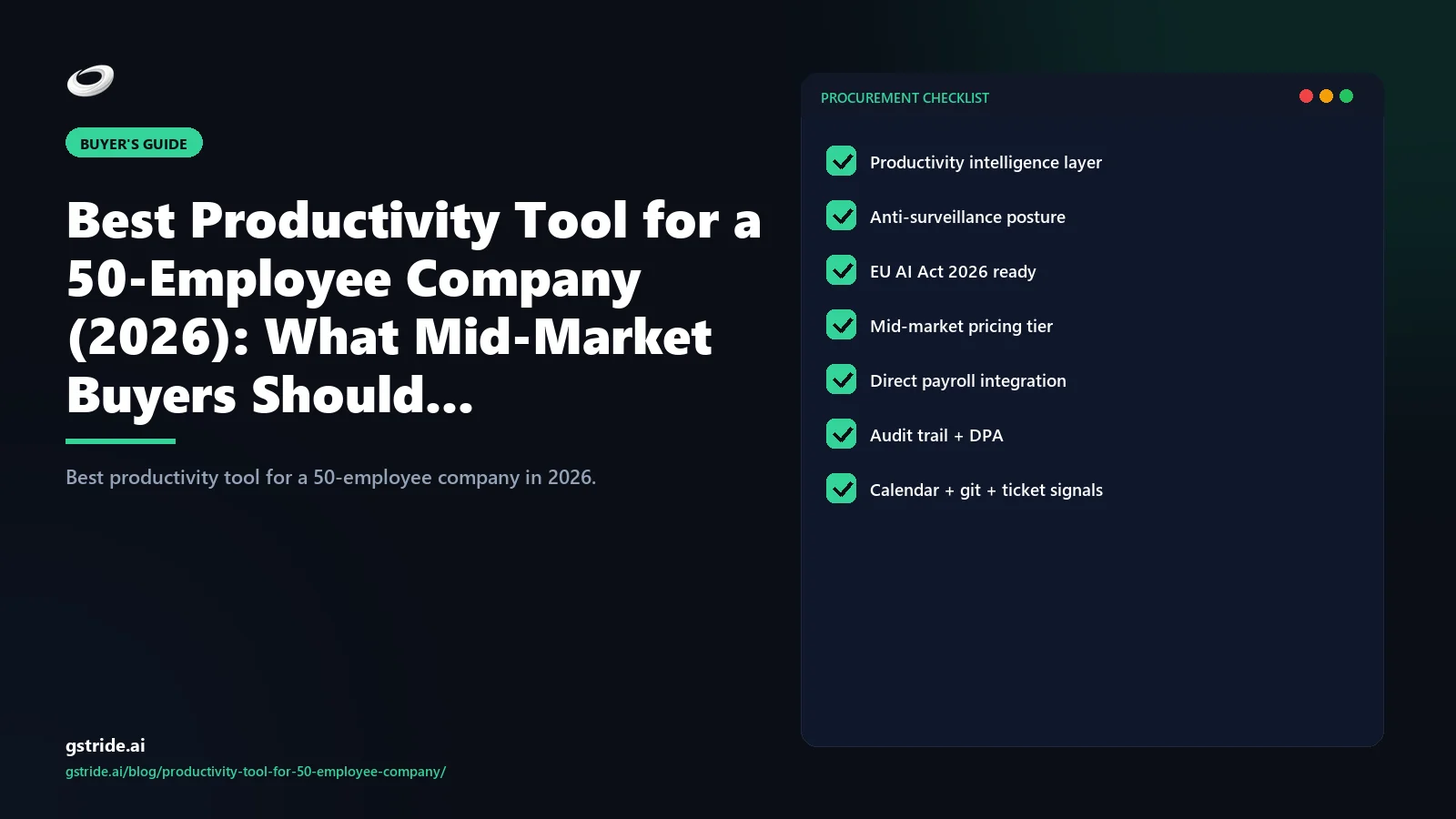
Most failed 50-employee tool decisions come from buying a product that ships 3 of these 6 capabilities and bolts on the rest with second-rate add-ons. The bundled platforms cost less in TCO and break less in production. Here is the working checklist.
| # | Capability | What it does at 50 employees | Why it matters |
|---|---|---|---|
| 1 | Automated time capture | Desktop + browser + mobile activity logged automatically, not via timer-start clicks | 50 people do not reliably hit start/stop. Manual timers underreport 18-30%. |
| 2 | Payroll-ready exports | Hours, leave, overtime mapped to QuickBooks/Xero/ADP/India PF-ESI directly | Manual payroll reconciliation at 50 seats eats 4-6 finance hours per cycle |
| 3 | Leave + shift + attendance | One approval flow for PTO, sick, comp-off, and shift swaps | 50 people = 60-90 leave events/month. Spreadsheet management breaks here. |
| 4 | Opt-in productivity monitoring | Screenshots and activity classification, configurable per role, off by default | Mid-market needs evidence in regulated workflows but cannot afford trust loss |
| 5 | AI signal + recommendations | Focus blocks, blocker patterns, burnout signals, meeting overhead, with suggested actions | This is the layer that turns the tool from cost centre into management input |
| 6 | Native integrations (8-12) | Payroll, project tools, communication, calendar, SSO — pre-built, not Zapier | Each Zapier middleware adds a failure surface and a recurring cost |
Note what is not on this list: SOC 2 dashboards, OKR rollups, custom report builders, or learning-management modules. These are enterprise-tier features that 50-employee buyers occasionally buy because a vendor up-sold them, then never use. The platform that ships only the six capabilities above and ships them well will out-perform the “everything suite” in mid-market every time. Capabilities 4 and 5 — opt-in monitoring plus AI signal with recommendations — are the two layers that pull a 50-employee toolset out of timer-territory and into the productivity intelligence category proper; the 4-layer productivity intelligence architecture explained in our pillar guide is the same reference frame mid-market buyers should use to score vendors against capabilities 4-6 of this list.
Tools that work at 50 but break at 200
One of the worst mid-market traps is buying a platform that handles 50 employees beautifully and then quietly degrades as the team scales — because the buyer ends up re-procuring 18 months later. Three failure modes recur, and they are predictable enough that a buyer can pre-screen for them at the demo stage.
Reporting performance. Single-tenant SQL backends are common in tools designed for sub-100 employee customers. They handle 50-row payroll cycles in milliseconds. They handle 200-row payroll cycles with slow exports, occasional timeouts, and finance teams that quietly stop running monthly reports. Ask the vendor whether their data layer is multi-tenant and what the largest single-tenant payroll cycle they have run is. If the answer is “we handle most customers fine,” that is the answer.
RBAC scaling. The platform that worked with 4 managers and 1 admin at 50 employees breaks at 12 managers across 6 teams at 200. Specifically, leave approvals need approval-chain logic (cover, escalation, delegation), payroll needs role-scoped sensitivity (managers see hours, not salary), and audit logs need to scale to 1000s of entries/month. Ask to see the RBAC configuration screen on a demo, not the marketing slide. If it is a flat list of users and roles, the platform will not scale past 100 employees.
Per-seat pricing economics. A platform priced at $10/seat is $500/month at 50 employees and $2,000/month at 200. Banded or flat-tier pricing (e.g. $299/mo for 25-100 seats, $599/mo for 100-250 seats) compresses the curve. The 50-person company that picks per-seat pricing today will be paying enterprise prices in 18-24 months for a platform that may not deserve them. Hubstaff and similar timer-led tools are the most common offenders here — the $7-14/seat model is great for 10-employee buyers and brutal for 200.
Pricing math: per-seat vs flat-tier at 50
The arithmetic at 50 employees decides which pricing model wins. Here is the actual math that mid-market buyers should run before they sign anything.
| Pricing model | Cost at 50 seats / month | Cost at 100 seats / month | Cost at 200 seats / month |
|---|---|---|---|
| Per-seat ($8/seat) | $400 | $800 | $1,600 |
| Per-seat ($14/seat) | $700 | $1,400 | $2,800 |
| Flat-tier (25-100 band $399/mo) | $399 | $399 | (repriced to next band) |
| Banded ($299 base + $4/seat over 25) | $399 | $599 | $999 |
Flat-tier and banded pricing are 30-50% cheaper than per-seat at 50, and the gap widens as the team grows. The catch is that vendors hide costs in three places: (a) feature unbundling — the AI layer or payroll module is locked behind a Premium tier at $3-6/seat; (b) integration fees — “Premium integration” pricing for QuickBooks or ADP at $50-200/month; (c) annual minimums — fine print that requires 12-month commitments at peak headcount, not actual headcount. The realistic all-in TCO at 50 seats for a finance-cleanly priced platform should land between $4,000-9,000/year, not $15,000+.
gStride pricing uses banded INR/USD tiers explicitly designed for the 25-200 employee band, with payroll and AI included rather than tier-locked. The math holds because the platform was architected around the mid-market band — not retro-fitted from a per-seat product designed for solo users.
Implementation effort: 1-week vs 3-month rollouts
Implementation timeline is where the 50-employee buyer separates the platforms that fit them from the platforms that do not. The two clusters are dramatically different, and choosing the wrong one usually produces a cancelled contract at month 2.
The 1-2 week rollout (mid-market platforms)
Day 1-3: Admin signs up, creates the company account, invites managers, and pushes desktop apps via MDM (Jamf, Intune) or direct install. Day 4-7: Payroll integration configured (QuickBooks/Xero credentials, payroll cycle dates, leave-policy import); project tool integration (Jira/Asana) connected; calendar (Google/Microsoft 365) connected; SSO (Microsoft Entra/Okta/Google) connected. Day 8-10: Manager training — typically a 60-minute live session plus a 4-page playbook. Week 2: Full team go-live, first payroll cycle exported, first weekly AI signal report sent.
This timeline assumes the vendor has shipped the integrations natively. If you are routing through Zapier, add 3-5 days per integration. If you need custom development to build the payroll export, the platform is not a mid-market platform — it is an enterprise platform pretending.
The 3-6 month rollout (enterprise suites)
Workday, SAP SuccessFactors workforce modules, UKG Pro, and similar enterprise platforms require: an implementation partner ($25,000-150,000 fee), a dedicated internal project lead (1 FTE for 4-6 months), a discovery and configuration phase (4-6 weeks), parallel-run period (4-8 weeks), and a sequence of go-live waves. The 50-employee company that signs an enterprise contract usually cancels at month 2 because the implementation overhead exceeds the team's available bandwidth, and the platform is not actually doing work yet at the cancellation point.
The line for mid-market is concrete: if your “productivity tool” needs an implementation partner with a statement of work, you bought the wrong category. A 50-person company should be operating on the platform within 14 days of contract signing, full stop.
gStride for a 50-person company — feature map
gStride was purpose-built for the 25-200 employee mid-market band. Here is the explicit map of how the six required capabilities land in the product.
| Capability | gStride feature | Mid-market fit |
|---|---|---|
| Automated time capture | Desktop + browser + mobile auto-capture, calendar-aware classification | 50 people do not reliably hit start/stop; auto-capture closes the gap |
| Payroll-ready exports | Payroll & payments — QuickBooks, Xero, ADP, plus India PF/ESI/PT/TDS native | Mid-market US/UK/EU/AU + India entities covered without third-party |
| Leave + shift + attendance | Shift, leave & attendance — single approval flow for PTO, sick, comp-off, swaps | 60-90 leave events/month at 50 employees handled in one queue |
| Opt-in productivity monitoring | Productivity monitoring — screenshots configurable per role, off by default | Used in regulated workflows; off in product/engineering teams |
| AI signal + recommendations | Focus blocks, blocker patterns, burnout signals, meeting overhead, with suggested actions | Bundled, not a Premium upsell. Replaces a $30k/year BI implementation. |
| Integrations | QuickBooks, Xero, ADP, Jira, Asana, ClickUp, Linear, Slack, Teams, Google, Microsoft 365, Okta, Entra | Native — no Zapier middleware required for the common stack |
The honest counter-positioning: gStride is not the right platform for the 5-person freelancer team that just needs invoicing (use Toggl Track there) and not the right platform for the 1,000-employee multinational that needs full HRIS depth with compensation planning, succession, and global mobility (use Workday). The fit is the 25-200 employee operating company, with shifts or multi-vertical work, that needs one platform across time, HR, payroll, and AI signal — not five tools wired together.
What to ask vendors on the demo call
Five questions cut through most marketing decks and produce a clear yes/no on mid-market fit. Use them in this order.
- Show me the 50-employee payroll cycle export to QuickBooks/ADP. Ask for a real demo, not a slide. Time it. Anything over 30 minutes of admin time is a fail.
- Show me the leave approval queue with 30 pending requests across 6 teams. If the demo data has 3 requests, you are seeing the marketing happy-path, not production.
- Show me the AI recommendation layer producing a specific suggested change. Not the dashboard; the suggestion. If they pivot to a chart, they stopped at signal.
- What does pricing look like at 50, 100, and 200 employees, all-in including payroll and AI? Get the number for all three. The slope tells you whether the pricing model fits the 18-24 month growth path.
- What is the typical implementation timeline for a 50-employee customer, and do you require an implementation partner? If “implementation partner,” thank them and end the call.
The vendors that answer all five cleanly are the shortlist. The vendors that pivot, qualify, or push the answers back into “it depends on your specific configuration” are signalling that the platform was not architected around the mid-market band, and the post-sale experience will reflect that. For the structured, 12-question version of this evaluation that works across team-size brackets (not just 50-employee), see how to choose employee productivity software.
Free: 5-Signal Productivity Self-Audit Worksheet
30-min audit on your team. Focus depth + commit cadence + meeting load + flow-state + blocker recovery. PDF + Google Sheets calc. For Ops Heads, Founders, Eng Managers.
Frequently asked questions
What is the best productivity tool for a 50-employee company?
The best productivity tool for a 50-employee company is one that bundles six capabilities in a single platform: automated time capture, payroll-ready exports, leave and shift management, opt-in productivity monitoring, AI signal (focus, blockers, burnout), and 8-12 native integrations. Single-purpose timers under-serve operations; enterprise suites over-serve and cost too much. gStride was purpose-built for this 25-200 employee mid-market band where the operating picture exceeds what a manager can hold mentally but the budget for a 12-month BI rollout does not exist.
How much should a 50-person company pay for a productivity platform?
Per-seat tools at 50 employees run $400-700/month at standard $8-14/seat pricing. Flat-tier or banded pricing (e.g. $299-499/month for the 25-100 band) is usually 30-50% cheaper at this size. Watch for hidden costs: payroll add-ons ($2-4/seat), AI features locked behind a Premium tier ($3-6/seat), and per-integration fees. Total cost of ownership at 50 seats with a finance-cleanly priced platform should land between $4,000-9,000/year all-in.
Should we use Hubstaff or Toggl Track at 50 employees?
Both work at 50 if your only need is time capture and project hours. They break when you add payroll cycles, leave approvals, shift schedules, or AI signal — features Hubstaff bolts on at extra cost and Toggl mostly does not have. If your operating model is timesheets-in / invoices-out, either is fine. If you need an HR + ops layer, you will outgrow them inside 12 months and end up running a second tool alongside. See gStride vs Hubstaff and gStride vs Toggl Track for the side-by-side.
How long does it take to roll out a productivity tool to 50 employees?
A purpose-built mid-market platform rolls out in 1-2 weeks: install desktop apps day 1-3, integrate payroll and project tools day 4-7, manager training day 8-10, full team go-live week 2. Enterprise suites (Workday, SAP SuccessFactors workforce modules) take 3-6 months and need a dedicated implementation lead. The 50-employee company that picks the enterprise path usually cancels at month 2 — the implementation overhead exceeds the team's available bandwidth.
Do 50-employee companies need productivity monitoring (screenshots, keystroke logging)?
Almost never as a default. The 50-person company has direct manager-employee visibility — surveillance signals create more cultural cost than they recover in productivity. The legitimate use cases are narrow: regulated workflows (finance reconciliation, healthcare PHI handling) or specific contractor accountability. The right answer is a platform where monitoring is opt-in per role, off by default, and the AI signal layer (focus, blockers) is what surfaces the operating picture instead.
What integrations matter most for a 50-employee productivity tool?
Five categories cover 80% of mid-market need: payroll (QuickBooks, Xero, ADP, India PF/ESI), project tools (Jira, Asana, ClickUp, Linear), communication (Slack, Microsoft Teams), calendar (Google, Microsoft 365), and SSO (Google Workspace, Microsoft Entra, Okta). A platform that lacks two or more of these forces a 50-person company into either manual exports (lost manager hours) or a Zapier middleware layer (extra failure surface).
What breaks when a 50-employee tool scales to 200 employees?
Three failure modes are typical: (1) reporting performance degrades — single-tenant SQL backends slow on 200-row payroll cycles; (2) role-based access control models that worked with 4 managers break at 12 managers across multiple teams; (3) per-seat pricing economics flip — what cost $500/month at 50 seats now costs $2,400/month at 200 seats, and the platform that was cheap is suddenly expensive. The platforms that scale smoothly past 200 are designed multi-tenant with banded pricing and granular RBAC from day one.
People also ask
How do you measure employee productivity in a small company?
Measure employee productivity in a small company by outcomes, not surveillance: track project throughput, on-time delivery, billable or utilised hours, and focus-time patterns rather than keystrokes or screenshots. At 50 employees, managers still have direct visibility, so lightweight signals plus regular check-ins usually beat invasive monitoring on both accuracy and trust.
Is productivity tracking software worth it for a small business?
For most small businesses, yes - if the tool replaces manual timesheets, speeds up payroll, and surfaces capacity or burnout issues a spreadsheet hides. The return comes from saved admin hours and better project decisions, not from surveillance. Choose a banded-price platform so cost does not balloon as headcount grows.
What is the difference between time tracking software and productivity tracking software?
Time tracking software records how long work takes, by project or client, mainly for billing and payroll. Productivity tracking software adds a signal layer on top - app and website categories, focus blocks, idle time, and sometimes a productivity score - to show how time is spent, not just how much.
What is the best employee monitoring software for small businesses in 2026?
There is no single best tool; the right pick depends on whether you want analytics-only or full workforce management, and how privacy-sensitive your team is. Commonly shortlisted options include ActivTrak, Time Doctor, DeskTime, Hubstaff, and gStride. Favour platforms with monitoring off by default, clear employee notice, and short data retention.
At what company size do you need workforce management or HR software?
Most companies start needing dedicated workforce management or HR software around 25-50 employees, when leave requests, shift swaps, payroll edge cases, and multiple concurrent projects outgrow spreadsheets. Below that, a simple timer plus payroll is usually enough; above 200, you typically need granular role-based access and banded or tiered pricing.
Related reading on gStride
- gStride pricing — banded mid-market tiers, AI and payroll included
- Payroll & payments — QuickBooks, Xero, ADP, India PF/ESI native
- Shift, leave & attendance — single approval flow for mid-market
- Productivity monitoring — opt-in per role, off by default
- gStride vs Hubstaff — when per-seat pricing breaks at scale
- gStride vs Toggl Track — solo tool vs mid-market platform
See if gStride fits your 50-person company
The fastest way to test mid-market fit is a real 50-employee payroll cycle on the platform — captured, approved, exported. Walkthrough takes 20 minutes; the question of fit answers itself.
See pricing for 25-200 seats Read the AI productivity buyer's guidePricing and capability comparisons reflect publicly stated vendor positioning as of May 2026. Verify current pricing tiers, integration availability, and feature scope with each vendor before purchase. Implementation timelines are typical mid-market estimates and vary based on payroll complexity, headcount distribution, and existing tool stack.