
The short answer
To track remote employee productivity without killing morale, measure three things and stop measuring three others. Measure output velocity (committed scope shipped per cycle), async legibility (how clearly the person communicates state without a meeting), and blocker resolution time (how fast they unstick themselves and others). Stop measuring keystroke counts, hours-online, and screenshot frequency. Those three numbers feel like productivity, but they only correlate with attendance theater.
The mechanics are simple. Run a weekly cadence where each person publishes what they committed to, what shipped, what slipped, and why. Look at the trend, not the day. Give people access to the same dashboard you read. Resist the urge to drop into a live activity feed when you are anxious — anxiety is not a metric, and the feed is the worst possible place to ease it. Pair the cadence with a tool that captures the work itself rather than the worker, and write down the policy before the tool is installed.
That is the whole answer. The rest of this guide is the case for it, the rollout, and the FAQ — written by someone who has shipped this rollout at five teams and watched it work and watched it fail.
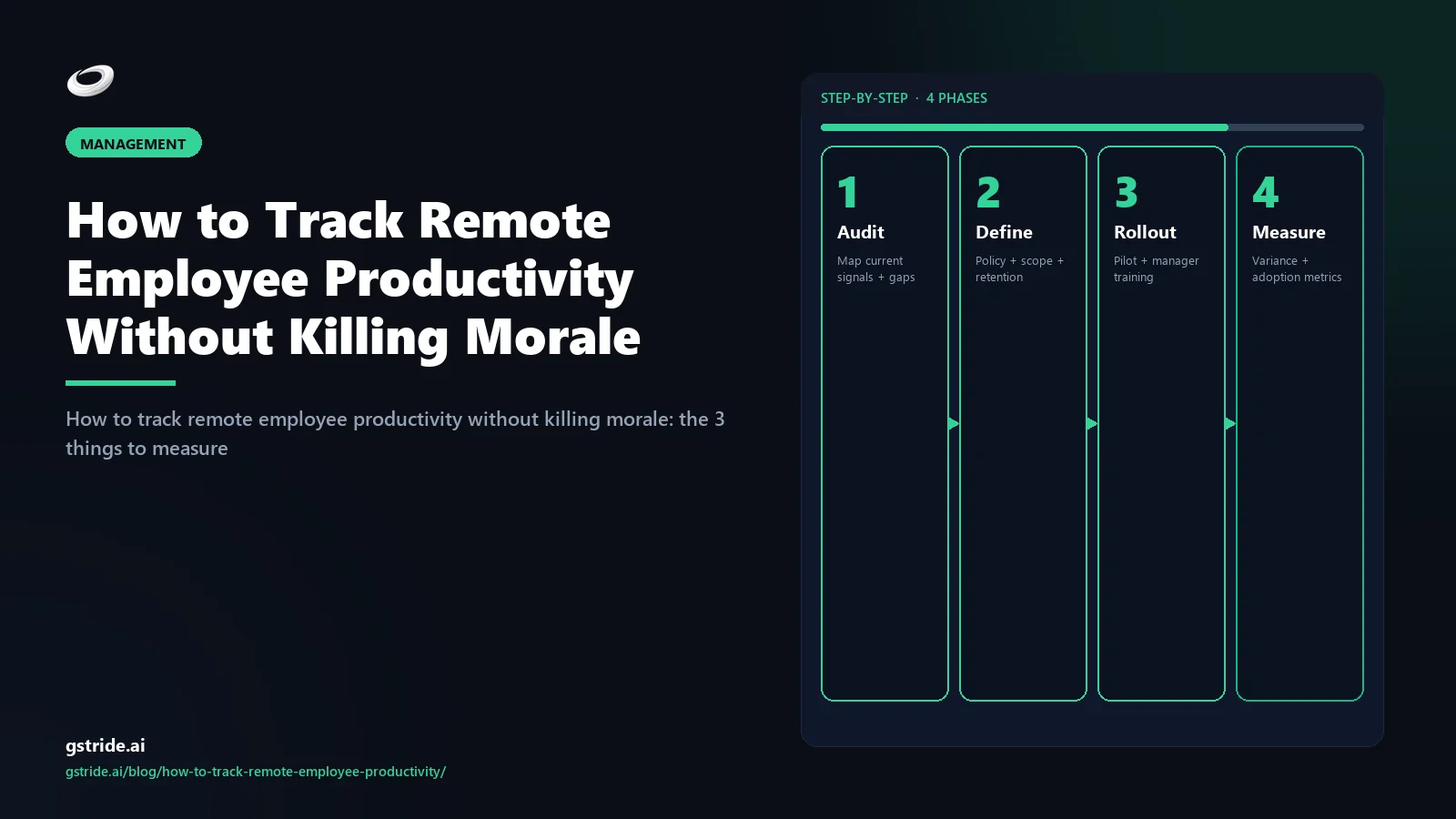
The 5-step framework at a glance
The 3 things to actually measure
If you strip remote productivity tracking down to what genuinely correlates with shipping work and keeping the team intact, three signals do almost all the work. They are unfashionable. None of them comes from a real-time dashboard. All of them survive the move from a 5-person team to a 500-person org.
1. Output velocity
Committed scope shipped per cycle. Tickets closed against committed, PRs merged, designs delivered, contracts signed. Compare against what the person committed to at the start of the week, not against a fictional capacity number from a planning tool.
2. Async legibility
How clearly the person communicates state without a meeting. Does their weekly write-up explain what shipped, what is stuck, what changed in scope, and what they need from anyone else? Legibility is the highest-leverage remote skill and the one most often missed.
3. Blocker resolution time
How long blockers sit before they are surfaced and how long they sit after that before they are cleared. The slope of this line — flat or improving — predicts team health more accurately than any individual output metric.
Why these three
Each one is produced by the work itself, visible to the employee, defensible in a one-on-one, and impossible to game without producing actual results. Try gaming output velocity by closing tickets that did not ship — your manager notices in week two.
Output velocity is the headline. Async legibility is the leading indicator. Blocker resolution time is the canary. Together they let a manager spot a struggling person two weeks before the output line dips and a struggling team a month before the quarter slips. None of them requires watching anyone. All of them are visible inside tools the team already uses — the project tracker, the wiki, the chat — without installing a single piece of monitoring software.
If you want a deeper read on the philosophy behind picking signals like these instead of activity-level ones, our companion piece on productivity monitoring without surveillance walks through the four-signal model that informs the gStride product surface.
The 3 things to STOP measuring
Almost every remote-productivity meltdown I have watched up close started with a manager who got nervous and reached for a metric that produced large, fast-changing numbers. The numbers were comforting. They also produced almost no information. Three of them deserve to be retired.
1. Keystroke counts
Keystrokes-per-hour does not predict output. A senior engineer thinking through an architecture problem types nothing for an hour and produces a quarter's worth of value. A junior typing aggressively at three in the morning is a burnout flag, not a productivity win. Keystroke counts mostly measure how typing-intensive the work happens to be.
2. Hours-online
The Slack green dot, the "active in app" badge, the dashboard that says someone has been online for 11 hours — none of it correlates with output. It correlates with someone leaving their laptop open. Worse, it incentivises presence theater: people stay logged in to look productive instead of logging off when the work is done.
3. Screenshot frequency
Continuous or high-frequency screenshots produce a sea of low-signal data nobody has time to read, generate legitimate privacy concerns, and earn the team's resentment for almost no operational benefit. The narrow cases where screenshots earn their place are billable client work and specific compliance contexts — not general performance management.
What goes wrong
Each of these metrics rewards activity over outcome, makes the team feel watched, and produces the exact behavior it is trying to prevent. The first month they look like productivity gains; by month three the best people are interviewing.
The argument is not that screenshots, app categorization, or activity tracking are useless tools. It is that they are scalpels often used as hammers. If you do need them — for a billable services team, for a regulated environment, for a specific incident — you want them configurable, scoped, and visible to the employee. gStride's screenshots and activity surface is built around exactly that constraint: every capture is opt-in or event-triggered, blurred where appropriate, and visible in the employee's own dashboard before it is visible to anyone else. The tool is fine; the default of "always on, full resolution, manager-only" is the problem.
The right foundation: a 7-point checklist
Before any of the measurement above can hold up under stress, the foundation has to be right. Here is the checklist I now run at every team I work with before installing a single tool.
- Write the policy first. Before procurement, before vendor demos, before anything is installed, write down what data will be collected, why, who sees it, how long it is retained, and what employees can see about themselves. This is the document that will keep you out of trouble in every jurisdiction. We covered the legal mechanics in is employee monitoring legal in 2026.
- Pick outcomes per role. An engineer's output is not a designer's output is not an account manager's output. Spend an hour with each function lead defining the two or three outcomes that count for that role. Write them down. Revisit at the next quarter.
- Set the cadence. One weekly written check-in per person — committed, shipped, slipped, blockers, asks. Same template, same day, no calls. Async legibility is built here.
- Make the dashboard symmetric. Whatever the manager sees, the employee sees first. Symmetry of information is the single biggest predictor of whether the program survives its first quarter.
- Time-box manager curiosity. Managers can read the activity-level surface during specific reviews — onboarding the first month, performance improvement plans, billable-hour disputes. Otherwise, they read the weekly write-ups, the project tracker, and the blocker queue. No drop-ins.
- Choose tools that are configurable per feature. Screenshots, app tracking, idle detection, and time capture should each be a separate toggle. If your tool is all-on or all-off, your policy will always be all-on and you will be the next compliance horror story.
- Schedule the retro. At 30 days, run a written retrospective. What data drove a decision? What data did nobody read? Turn off everything in the second column. Do this every quarter.
The seven points sound boring. They are boring. They also predict, with depressing accuracy, which monitoring rollouts I have seen survive the first six months and which do not. The teams that skip step one — write the policy first — fail roughly nine times out of ten. The teams that skip step seven — schedule the retro — accumulate "surveillance debt" that turns into a Glassdoor review eighteen months later.
Tooling matters less than the foundation, but it matters. gStride's automated time tracking is designed for the cadence above: one source of truth on hours and project allocation, configurable activity capture, and an employee-first dashboard so the symmetry rule in step four is the default rather than a setting somebody has to find.
When monitoring helps and when it backfires
It would be dishonest to claim no remote team should ever use activity-level monitoring. There are real cases where it helps. There are more cases where it backfires. Drawing the line clearly is the difference between a healthy program and a regrettable one.
| Scenario | Monitoring posture | Why |
|---|---|---|
| Billable client services / agency | Time + sampled, opt-in screenshots during recorded billable blocks | The customer is paying for hours and the employee benefits from defensible billing evidence. |
| Regulated industry (financial, health, public sector) | Capture set by the regulator; retention by statute | The compliance obligation predates the team's preferences. Make it visible and disclosed. |
| Onboarding (first 30 days) | Higher-touch coaching, written check-ins, no activity feed | New hires need feedback, not surveillance. Read their work, not their cursor. |
| Steady-state knowledge work | Outcomes only; tooling for time and project allocation | Activity-level capture produces noise, not signal. Spend the budget on better outcomes tracking. |
| Performance improvement plan | Documented, time-boxed scope agreed with the employee | If the data is going to be used in a difficult conversation, the employee must know that in advance. |
| "I am anxious because the team is remote" | None — fix the cadence, not the tool | This is the failure mode that produces every horror story. The cure is a written cadence, not a screenshot setting. |
The honest test: if a manager could not explain in one sentence what specific decision a piece of data informs, the data should not be collected. "Just in case" is the most expensive policy in workforce software.
Two failure patterns show up over and over. The first is surveillance creep — a tool that started as time tracking quietly grows screenshots, then app categorization, then keystroke logging, because each one was a checkbox during procurement and nobody fought it. The second is activity panic — a manager has a bad week, drops into the activity feed, sees one person's idle minutes, and overreacts. Both patterns get worse without a written policy and a scheduled retro. Both get better with the seven-point foundation above.
If you are evaluating workforce platforms with a buyer's lens rather than a tactical one, the criteria worth weighing are: configurable per feature, employee-visible by default, exportable data, clean off-boarding, and an honest stance on AI in the product. We covered AI specifically in productivity monitoring without surveillance and the legal layer in is employee monitoring legal in 2026 — both worth reading before signing a multi-year contract.
FAQ
Free: Employee Monitoring Policy Template (2026)
An 8-section .docx/.pdf shell aligned to GDPR Article 13, EU AI Act, UK ICO 2023, and DPDP — drop it into your handbook, edit placeholders, run it past counsel. Free, no card.
Related reading on gStride
- Best Remote Team Monitoring Software 2026 — top 9 tools ranked on privacy posture
- Productivity Monitoring Without Surveillance — What Actually Works
- Is Employee Monitoring Legal in 2026? A Guide by Jurisdiction
- Productivity Monitoring — role-specific dashboards
- Screenshots & Activity — configurable, opt-in capture
- Automated Time Tracking — context without surveillance
- approval workflows — audit trail for trust-based remote teams
- project & task management — task throughput as the operational signal
Free: 5-Signal Productivity Self-Audit Worksheet
30-min audit on your team. Focus depth + commit cadence + meeting load + flow-state + blocker recovery. PDF + Google Sheets calc. For Ops Heads, Founders, Eng Managers.
Frequently asked questions
How do managers know remote workers are productive?
Managers know remote workers are productive the same way they know in-office workers are productive: by looking at what gets shipped, how predictably it gets shipped, and how unblocked the team stays around it. The proxies that fail in person — chair time, online indicators, hours-online dashboards — fail harder remotely because the visual cues are gone. Replace them with weekly committed-versus-shipped reviews, blocker-resolution time, and the legibility of the person's async updates.
What remote productivity metrics actually matter?
Three metrics carry almost all the signal: output velocity (committed scope shipped per cycle), async legibility (how clearly the person communicates state without a meeting), and blocker resolution time (how quickly they unstick themselves and others). Everything else is either a leading indicator of these three or noise dressed up as a metric.
How much monitoring is too much for remote teams?
If a manager could not explain in one sentence why a specific signal is being collected and what decision it informs, that signal is too much. Continuous keystroke logging, always-on screenshots, webcam capture, and hours-online dashboards almost never pass that test. Targeted, disclosed, configurable capture with a clear retention window almost always does.
Do productivity tools hurt remote team morale?
Tools that measure activity at high frequency tend to. Tools that measure outcomes at low frequency tend not to. The variable is not the tool category but the configuration: visible-to-employee data, narrow scope, no surprise capture, and the ability to opt out where the law and policy allow. A 2022 Microsoft Work Trend Index report found 85% of leaders said hybrid work made it harder to trust employees while 87% of employees said they were productive — closing that gap with surveillance widens it.
What is better than tracking hours for remote workers?
Tracking what the hours produced. Hours measure attendance; outcomes measure work. Most knowledge-work teams are better served by a weekly cadence that asks what was committed, what shipped, what slipped, and why — with hours as a sanity check rather than the headline number. The exception is billable client work, where hours have to be defensible because the customer is paying for them.
How do you track remote employee productivity without micromanaging?
Move the conversation from real-time activity to weekly outcomes. Set the cadence in advance, agree on what each person owns, and review against that scope rather than reading a live activity feed. Give the employee access to the same dashboard you read; the things you would micromanage out of anxiety usually disappear once both sides see the same picture.
Should you track productivity by hours or by output?
Output, with hours as a sanity check. Hours-only tracking incentivises padding, presence theater, and stretched timelines. Output-only tracking ignores burnout risk and capacity planning. The honest answer is to make output the headline metric in performance conversations and use hours to spot people working dangerous schedules — not to spot people working too few.
What tools are best for tracking remote employee productivity?
The right tool stack depends on the work, but the principle is consistent: a project tracker for outcomes (Linear, Jira, Asana, GitHub), an async write-up cadence (Slack, Loom, Notion), and a time and workforce platform that captures context without surveilling activity. Tools that lead with keystroke logging or always-on screenshots tend to fight the team rather than help it; tools that let you configure each signal separately and show the employee what was captured tend to earn buy-in instead.
What is the best remote employee productivity tracking software for Indian teams?
It depends on your requirements. For India-based or India-serving teams that want outcome-first dashboards, per-feature configurable capture, and employee-visible data aligned with DPDP-era expectations, gStride is built around exactly that posture. Hubstaff and Time Doctor are widely used alternatives that lead with time tracking and optional screenshots. Whatever you shortlist, evaluate per-feature configurability, employee data visibility, data residency, and export options before committing — and verify any compliance position with counsel.
Is it legal to track remote employees' productivity?
In most jurisdictions, yes — provided the tracking is disclosed, proportionate, and tied to a legitimate purpose. GDPR jurisdictions require a lawful basis and proportionality, India's DPDP Act adds notice obligations, and several US states require employee notification. The penalties for getting it wrong vary widely by jurisdiction and case, so write the policy first and verify it with counsel before rollout.
Track outcomes, not keystrokes
gStride is built for teams that want one source of truth on time, projects, and capacity — without the always-on activity feeds. Configure each signal separately, show employees their own data first, and ship the policy you can defend.
Explore productivity monitoring See pricing